How I One-Shotted This Blog Using the Ralph Wiggum Technique

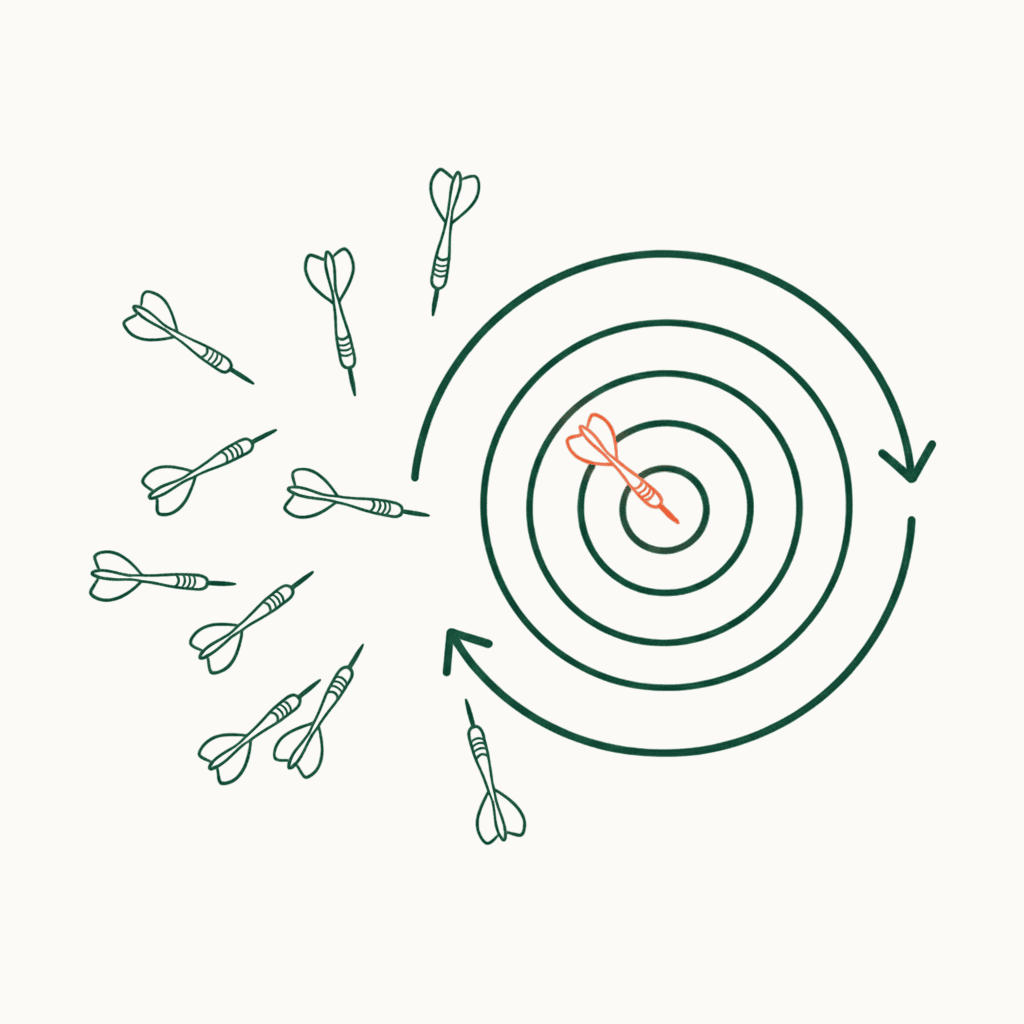
I’ve been experimenting with "one-shotting" lately—basically handing an AI a project spec and walking away until the app is done.
This blog is the result of that. Instead of a executing tasks manually, I used a long-running agent and a technique called "Ralph Wiggum" to iterate on the build until everything actually worked. It’s a shift from chatting with a model to orchestrating a loop, and it’s how I managed to stand up prompt-pals.com in about 90 minutes.
The Evolution of the Long-Running Agent
Currently, one of the hottest topics in the AI community is the shift toward agents that can operate for hours—or even days—to "one-shot" entire applications. The buzz really started with Anthropic’s technical breakdown of agent harnesses.
1. The Anthropic "Effective Harness"
As detailed in their engineering article, Anthropic’s approach is a sophisticated framework designed to prevent "context rot" (where an agent gets confused over long sessions).
How it works:
- The Initializer Agent: A specialized agent starts by setting up the entire environment. It writes an init.sh script to boot the server and creates a comprehensive feature list (often 200+ items) where everything is initially marked as "failing."
- The Coding Agent: This agent picks exactly one feature at a time. It implements it, runs end-to-end tests (like Playwright), and—crucially—must leave the environment in a "clean state."
- Artifact-Driven Memory: It uses claude-progress.txt and git history as "external memory." When one session ends and a new context window starts, the agent reads these artifacts to know exactly where to pick up.
2. The "Ralph Wiggum" Technique
The Ralph Wiggum technique, popularized by Geoffrey Huntley and now an official Claude Code plugin, is the "persistent" alternative.
Geoffrey argues that Ralph's persistence can replace most greenfield outsourcing:
"Ralph can replace the majority of outsourcing... It has defects, but these are identifiable and resolvable through various styles of prompts. That's the beauty of Ralph - the technique is deterministically bad in an undeterministic world."
This "deterministically bad" nature is its greatest strength. Because the failures are predictable, a persistent loop eventually forces a successful outcome by iterating through errors until the project is complete.
How it works:
- The Loop: It is essentially a while true loop. It pipes a prompt into an agent (like Claude Code) and, using a Stop Hook, intercepts the exit signal.
- The Promise: Instead of relying on a complex external feature list, it continues to re-inject the original prompt into the loop until the agent outputs a specific string—the Completion Promise (e.g., <promise>DONE</promise>).
- Persistence Over Perfection: It assumes the agent will fail early. Each failure becomes "data" in the git history and file changes that the next iteration of the loop uses to improve.
Choosing the Right Tool
I chose the Ralph Wiggum approach for this blog. Since the app is relatively simple (Next.js + Payload CMS), I prioritized implementation speed and UI/UX polish over heavy automated testing.
Playwright tests are invaluable for complex logic, but they are expensive in an autonomous loop. The MCP server must take DOM snapshots, which the model then analyzes—consuming massive amounts of tokens. I decided to handle the final verification manually to keep the loop lean.
The Input: XML-Structured Prompt
While Ralph Wiggum doesn't require a specific format, I used XML-structured prompting. According to Anthropic’s best practices, XML provides:
- Clarity: It separates the vision, tech stack, and phases so the model doesn't get "lost" in a wall of text.
- Accuracy: It reduces the chance of the agent misinterpreting a constraint as a task.
- Parseability: It makes it easy for the autonomous loop to identify when a phase is complete.
Here is the exact structure I used to "one-shot" the app:
1<vision>2Create a clean, minimalistic blog website with elegant motion animations.3Use the /frontend-design skill when designing UI components.4</vision>5<tech-stack>6<framework>Next.js 14+ with App Router</framework>7<ui>React 18+</ui>8<cms>Payload CMS</cms>9<styling>Tailwind CSS</styling>10<components>shadcn/ui</components>11<animations>Framer Motion</animations>12</tech-stack>13<phases>14<phase number="1" name="Project Foundation">15<task>Initialize Next.js with TypeScript</task>16<task>Set up Tailwind CSS + shadcn/ui</task>17<task>Configure Payload CMS with SQLite</task>18<task>Create basic project structure</task>19</phase>20
21<phase number="2" name="Core UI Components">22  <instruction>Use /frontend-design skill for each component</instruction>23  <task>Header with navigation and subtle hover animations</task>24  <task>Footer</task>25  <task>Blog post card with hover lift effect</task>26  <task>Blog post detail view</task>27  <task>Loading skeletons with pulse animations</task>28</phase>29
30<phase number="3" name="Blog CRUD Operations">31  <task type="create">Admin interface to write new posts with rich text editor</task>32  <task type="read">Blog listing page + individual post pages</task>33  <task type="update">Edit existing posts</task>34  <task type="delete">Remove posts with confirmation modal</task>35  <note>All operations via Payload CMS API</note>36</phase>37
38<phase number="4" name="Motion and Polish">39  <task>Page transitions with fade/slide effects</task>40  <task>Scroll-triggered animations</task>41  <task>Micro-interactions on buttons and links</task>42  <task>Smooth skeleton to content transitions</task>43</phase>44
45<phase number="5" name="Testing">46  <task>Unit tests for utility functions</task>47  <task>Component tests for UI elements</task>48  <task>Integration tests for CRUD operations</task>49  <task>Run npm test - all must pass</task>50</phase>51</phases>52<completion-criteria>53<criterion>Next.js app runs without errors</criterion>54<criterion>Payload CMS admin accessible at /admin</criterion>55<criterion>Can create, read, update, delete blog posts</criterion>56<criterion>Homepage lists all posts</criterion>57<criterion>Individual post pages render correctly</criterion>58<criterion>Motion animations are smooth and subtle</criterion>59<criterion>All tests passing</criterion>60<criterion>npm run build succeeds</criterion>61</completion-criteria>62<on-complete>63When ALL criteria are met, output: <promise>BLOG_COMPLETE</promise>64</on-complete>65</blog-project>
The Execution
I ran this through Claude Code.
- The Loop: The model ran for approximately 30 minutes autonomously.
- The Result: It created the Next.js app, configured Payload CMS with a local SQLite DB, and built out the shadcn components.
- The Skill: By specifically calling the
/frontend-designskill in the prompt, the model prioritized subtle Framer Motion transitions and "lift" effects on the blog cards.
Summary
The Ralph loop ran for about 30 minutes in Claude Code. It successfully set up the CMS and the core UI. Once the <promise> was met, I tested the app manually. I noticed a few Payload CMS issues and some UI tweaks I wanted to change. Instead of restarting the long Ralph loop, I opened parallel Claude Code sessions for each bug. Since I didn't expect any breaking changes or merge conflicts, I could run them in tandem (If you expect any you can run each session in separate git worktree and handle conflicts later).
The take-away? We are entering an era where the developer acts more like a Product Manager and Architect. The Ralph Wiggum technique proves that with the right structure and a bit of persistence, you can move from "Idea" to "Production" in the time it takes to finish a cup of coffee.
Stay in the loop
Get the latest AI & tech insights delivered straight to your inbox.
.png&w=3840&q=75)
Stay in the loop
Get the latest AI & tech insights delivered straight to your inbox.